

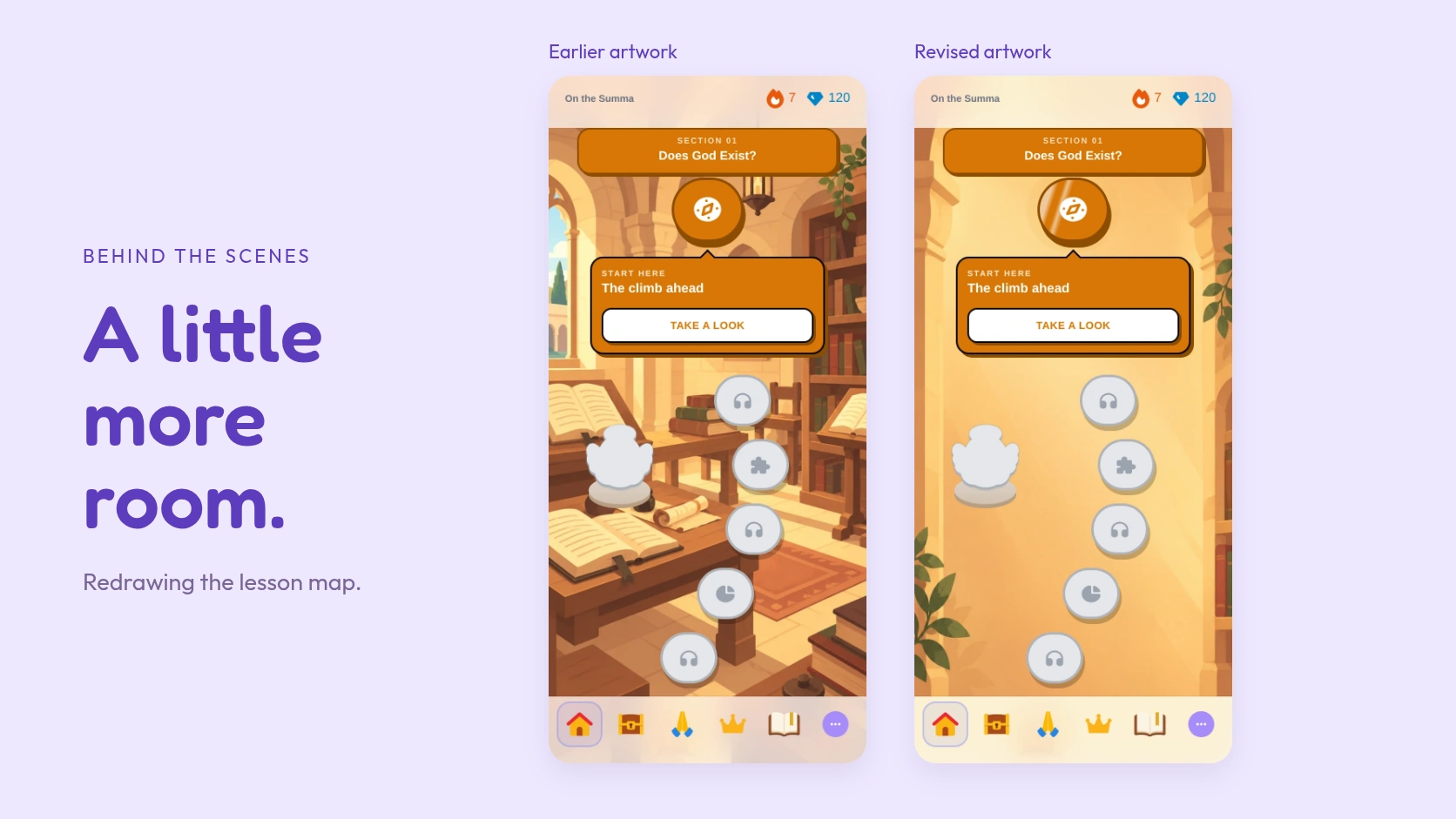
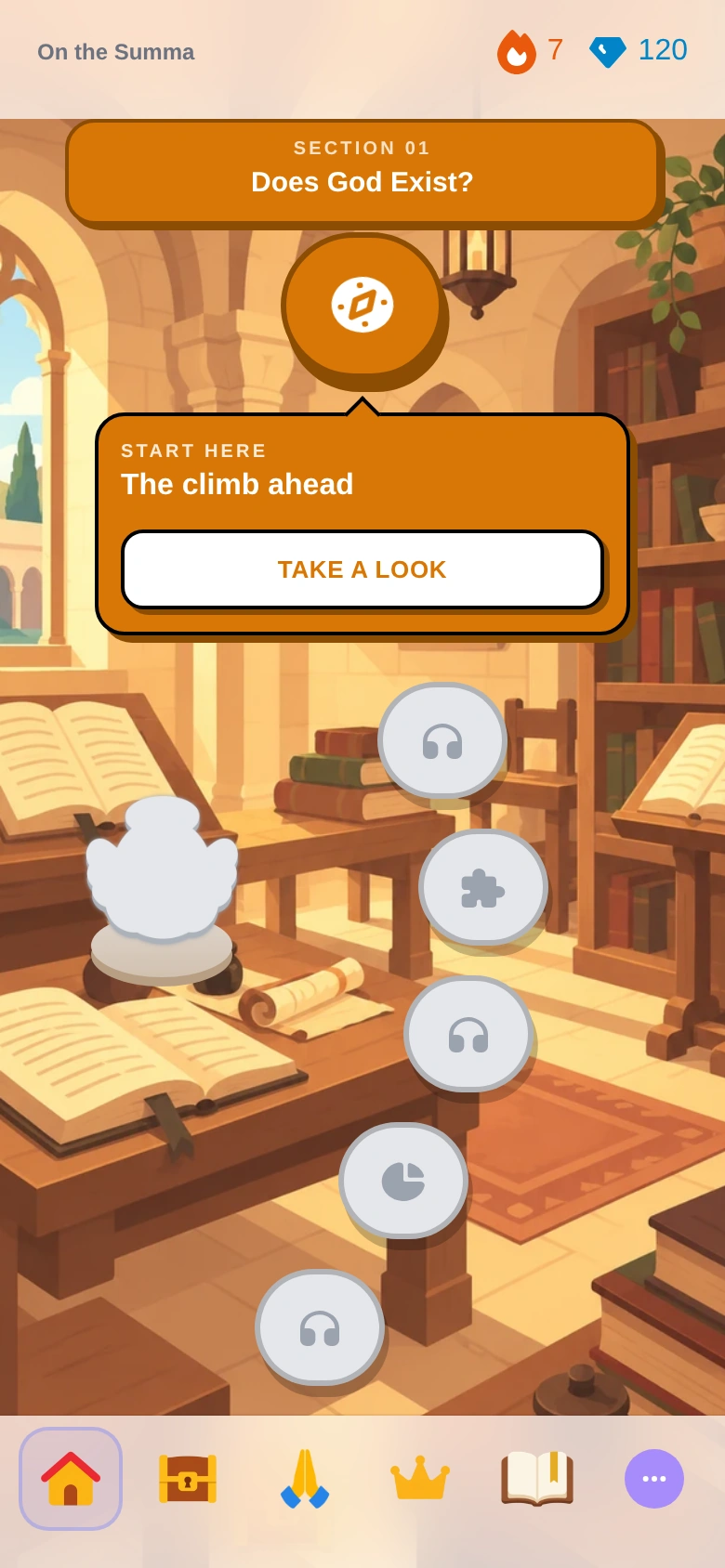
The desk in the Summa background made sense. Books, warm light, a place to sit and study: it was an inviting setting for St. Thomas Aquinas. Put a lesson map over it, though, and the desk started competing with the thing you had opened the app to do.
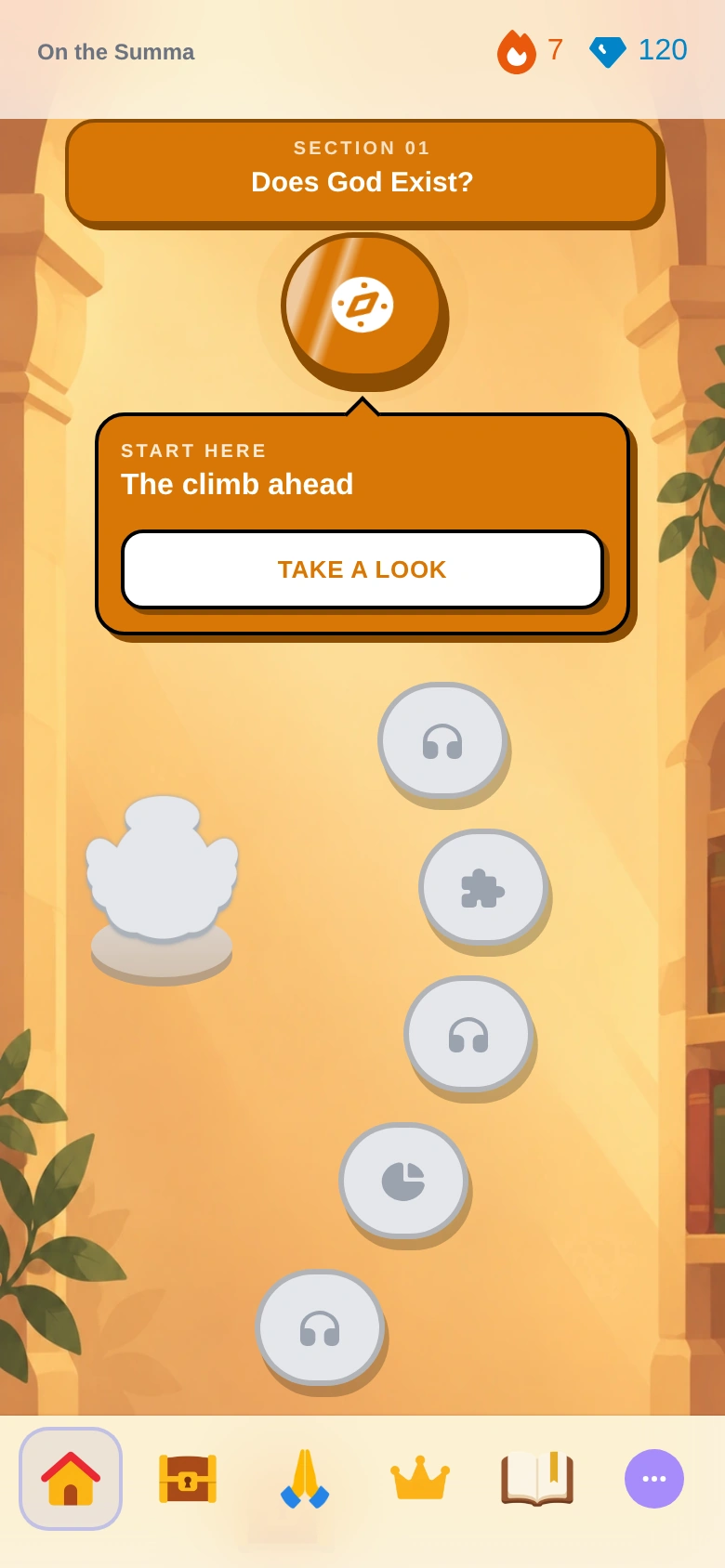
That was the starting point for this redesign. We liked having a different world for each book. We also wanted you to see your next lesson without having to pick it out of the scenery.
Looking at the picture with the map on it
A background can look lovely on its own and become awkward once there are buttons, labels, and a navigation bar in front of it. A book on a desk draws your eye. So does a bright patch of light. When those sit beside a lesson node, your attention has several places to go.
The Catechism cloudscape was a useful reference. It gave the map a setting and a color, while leaving plenty of room for the lessons. We took that idea into the other books: a quieter middle, with the details that tell you where you are arranged around the sides.
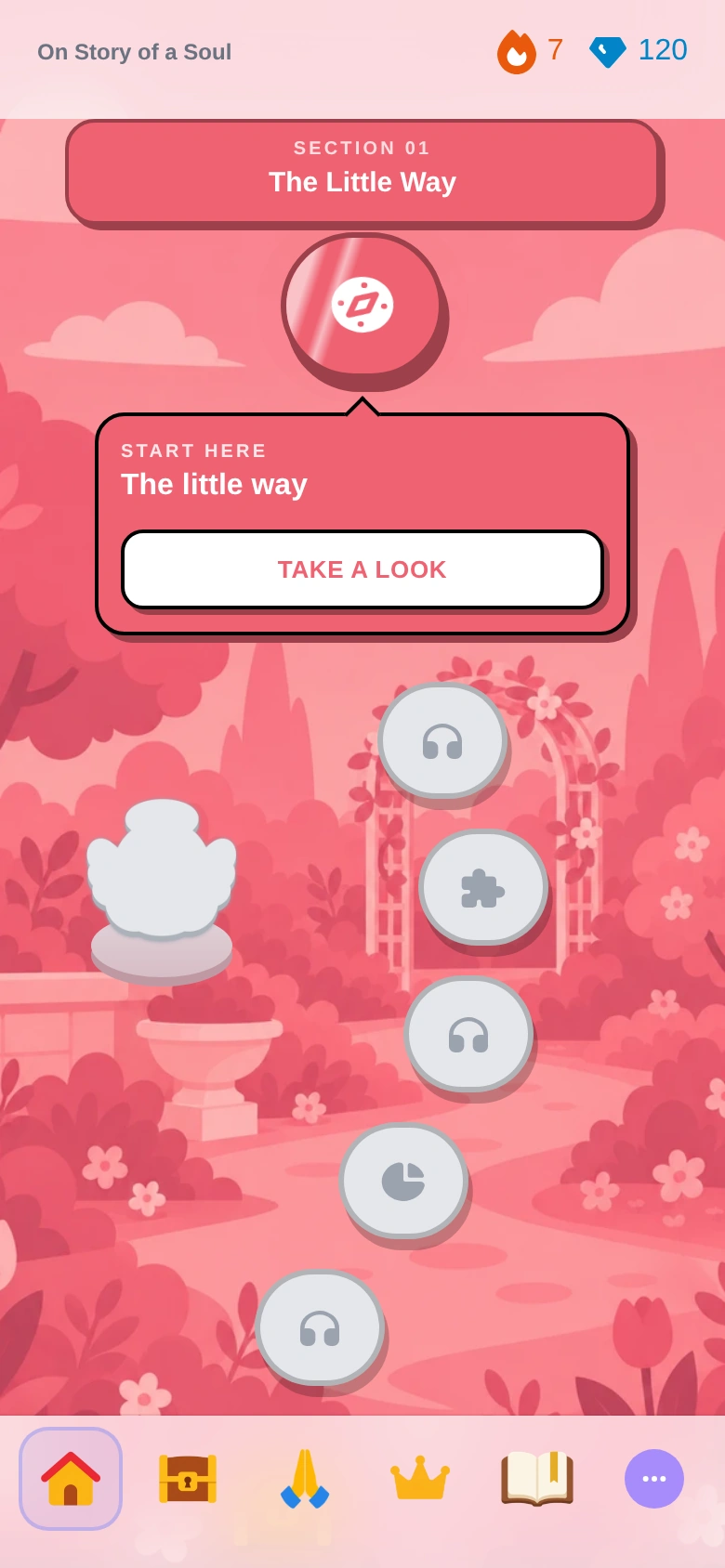
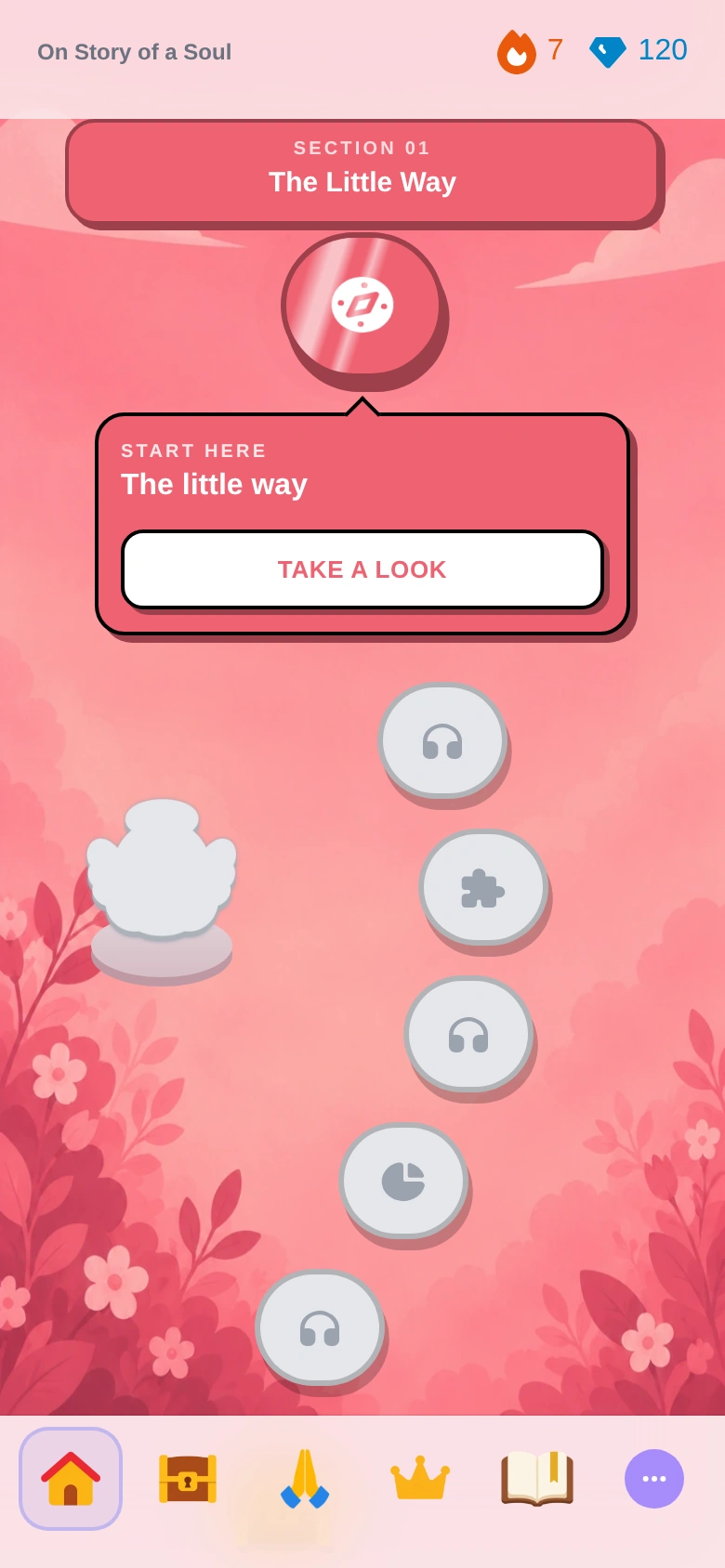
Keeping the roses
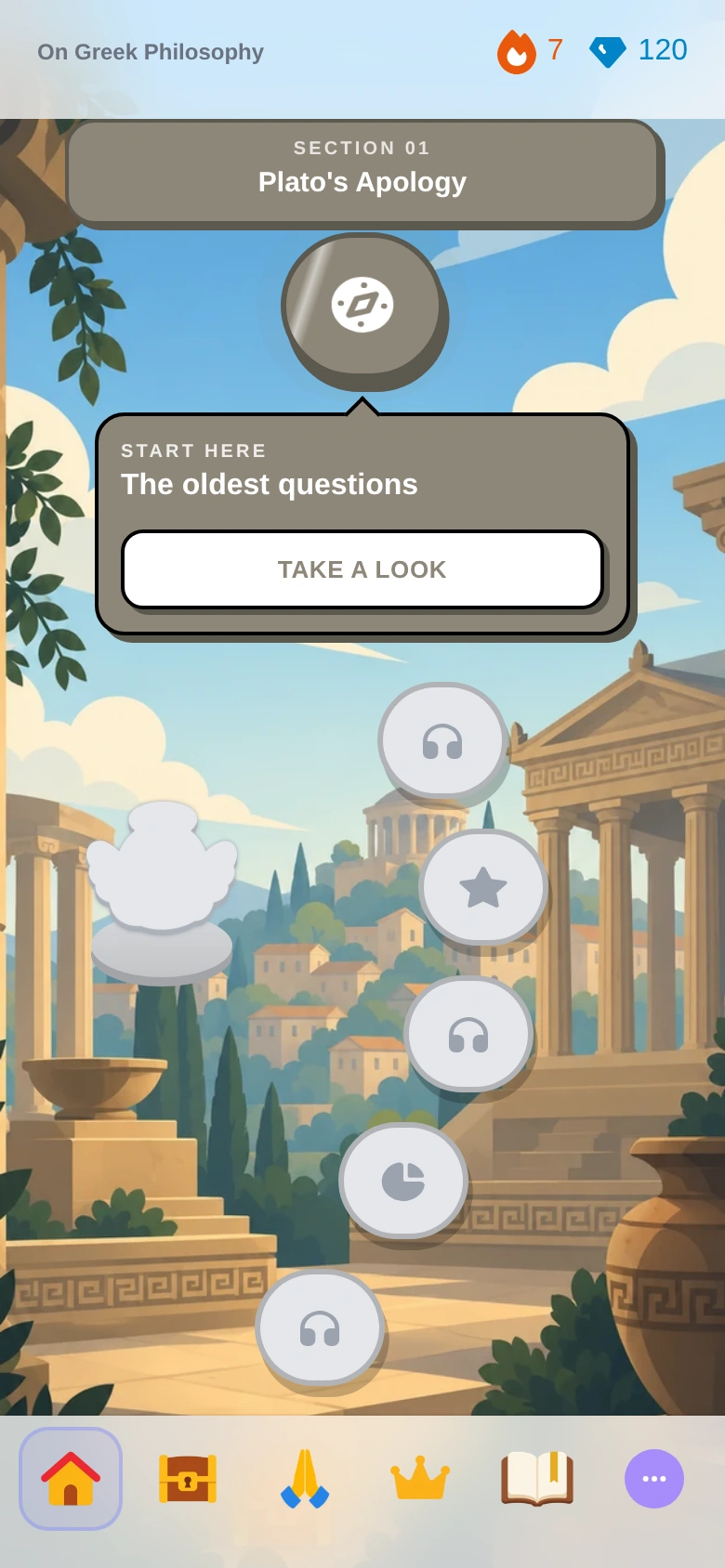
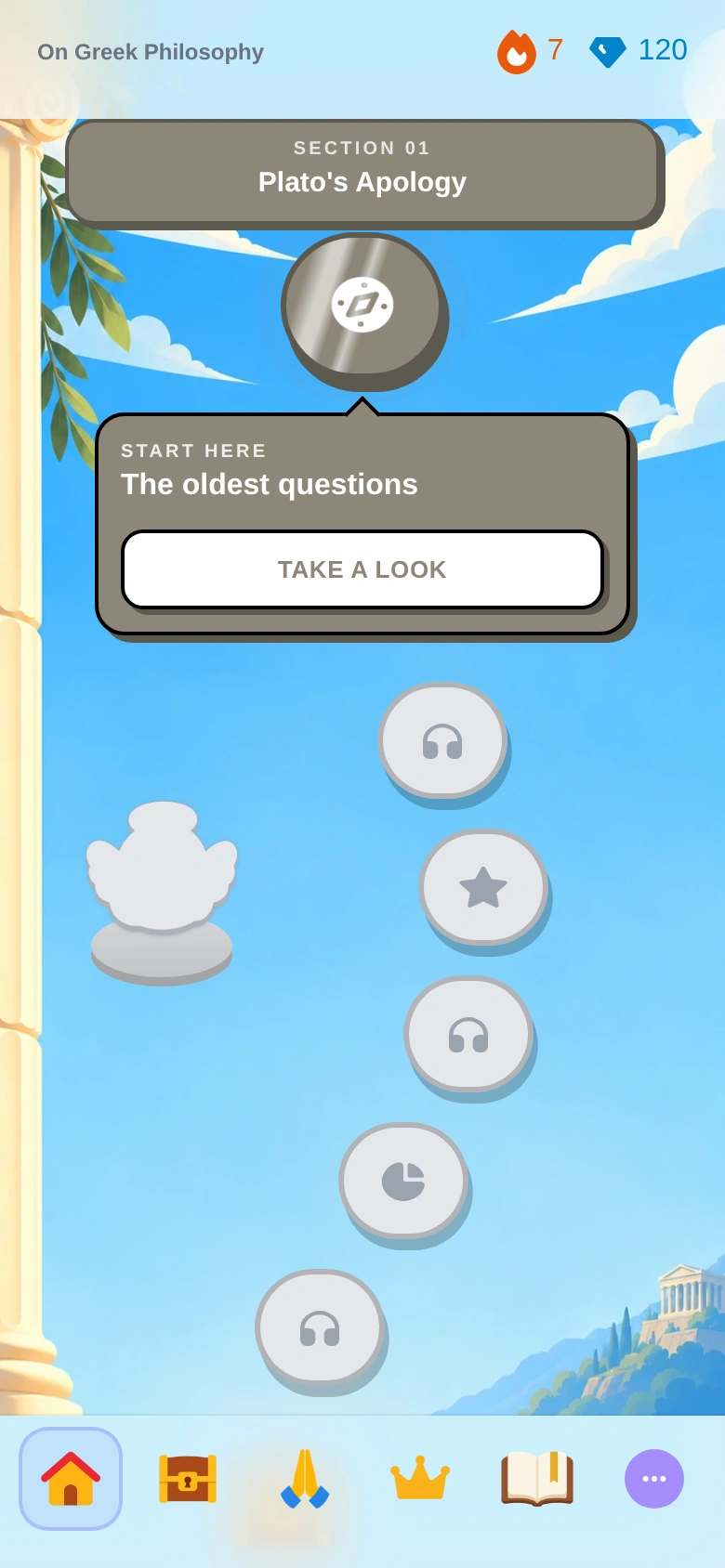
We still wanted Story of a Soul to feel like Story of a Soul. The roses mattered. So did the columns and temple for Greek Philosophy, and the warm Roman skyline for the encyclicals. Those details help you recognize a book before you read its title.
The work was in their size and placement. A few roses around the edges can give the whole screen its character. A large subject behind the lessons asks for more attention. We kept the colors and the landmarks, and gave the path more breathing room.
The bottom of a picture is easy to lose
One of the less glamorous parts of this process was checking where the artwork ended up. A temple in the corner is only useful if you can see it. A church at the bottom can disappear behind the navigation bar. A portrait image that works on one phone can lose its best detail when a wider screen crops it.
We made portrait and landscape versions, fitted the map artwork into the space beside and above the navigation, and checked small phones, larger phones, tablets, and desktop layouts. The book selector needed its own attention too: its little square covers need a closer view of the landmarks than a full-screen map does.
A few versions did not make it
Some early attempts went too far. One Marian landscape narrowed into a point at the bottom, which looked unnatural on the screen. An Imitation of Christ scene had too much painted detail; simplifying it into broad, flat shapes then made it feel too much like a vector poster. The next version brought back rounded scenery and gentle shading, with fewer small details.
Seeing the art inside the app helped more than judging it as a collection of pictures. The question became quite practical: can you find your next lesson, and does the place still feel like the book you chose?
That is what we wanted from these new backgrounds. The roses, churches, clouds, and hills are still there. There is a little more room to learn among them.
Screenshot note: these comparisons were captured from Creedo’s map components using the earlier and revised artwork with identical sample progress. They are local development previews, not screenshots of a member’s account.